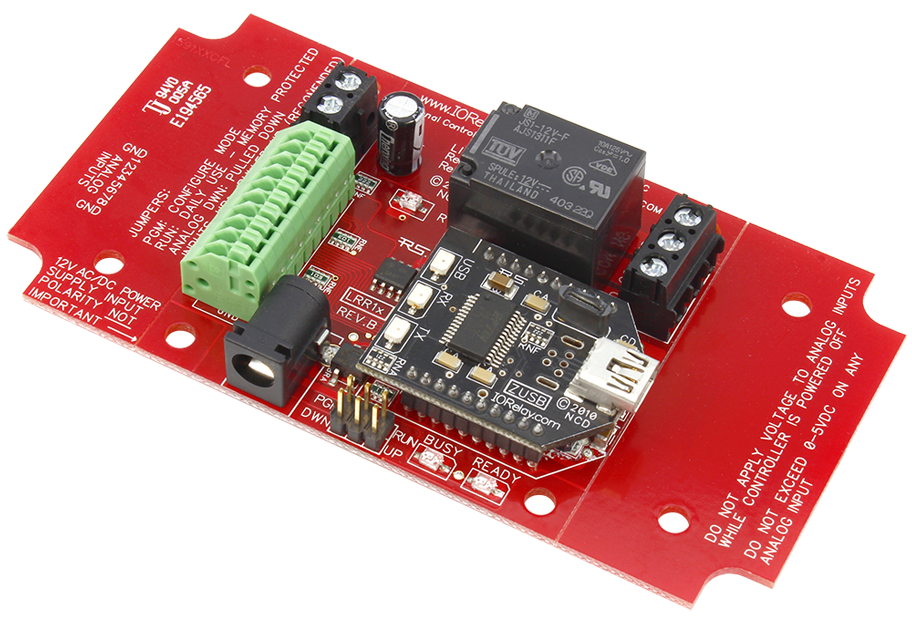
Reactor Relay at a Glance...
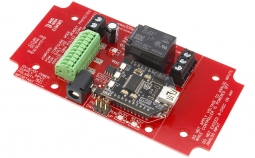
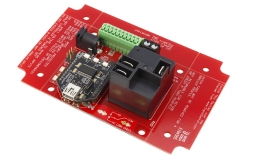
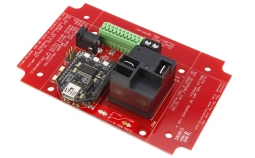
- 1 Relay Installed on Circuit Board
- Reliable Sturdy Design - USB Interface
- Configure Board with USB Connection
- Mounts as COM Port on Computer - Control Relays Based on Sensor Levels
- Accepts 0 to 5 Volt Sensor
- 256 Different Trigger Points
- 8 Background Timers Available
- 4 Rotation Counters Available
- Configure Activation Sequences - Base Station Software
- Point & Click Interface
- Use to Configure Time Schedule
- Free Download
Operates Without a Computer
Once configured the board will operate on it's own and no computer is needed!
Sensors Trigger the Relays
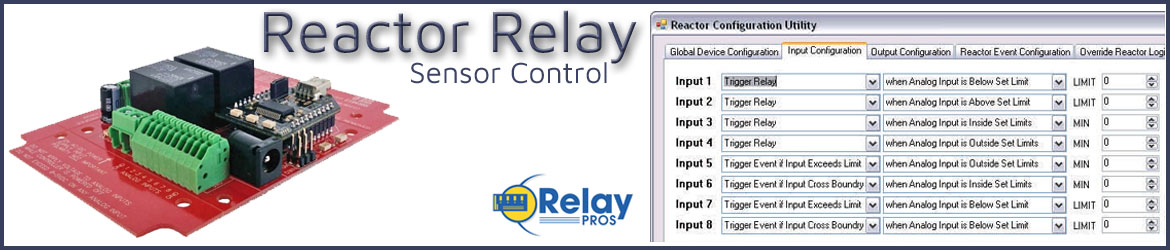
Reactor Relays are equipped with firmware built into the board that will allow you to setup a configuration to trigger relays based on sensor levels or contact closure inputs. The Reactor Relay series has eight inputs of analog to digital conversion where the board will convert a voltage of 0 to 5 volts into a numeric value of 0 to 255. Relays can be triggered based on the numeric values of the sensors and can be configured using Base Station Software and stored to the board. Once stored, the computer is no longer needed and the relays will activate according to your configuration - the board will "react" on it's own.Configure with USB Cable
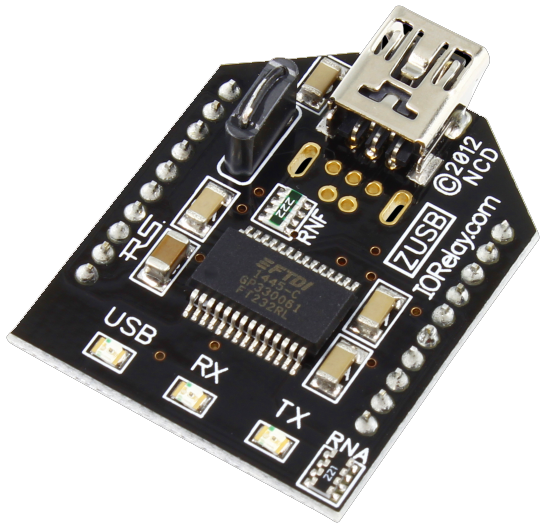 The Reactor Relay uses a USB cable to connect to your computer to configure the board. Once configured the board will work on it's own or leave computer connected and take manual control of the board, read sensor levels and check the relay status. Delays and sequences can be stored into the board when the input level is reached. Configurations can be as simple as toggling a relay to complex sequences where multiple relays and delays can be involved. All done without the use of a computer once the configuration is uploaded to the board.