
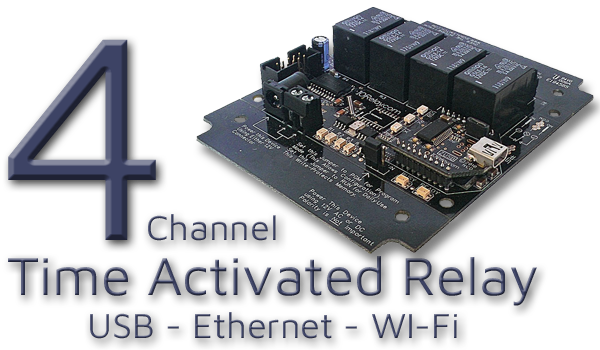
Time Relay at a Glance...
- Integrated Real-Time Clock
- Board always knows the current day and time
- Run relays automatically based on your schedule - Custom Time Schedules
- Create and upload your own timing schedule
- Runs independently - no computer required after setup
- Relays activate exactly when you define
- Available with USB, Ethernet, or WiFi interfaces - Base Station Software
- Simple point-and-click setup
- Build and manage your schedule visually
- Test and manually trigger relays
- Free Base Station download included
Choosing a Time Activated Board
Taralist controllers are stand-alone time-controlled relay boards with an onboard real-time clock.
They're perfect when you want a schedule that runs all by itself - no computer required after setup.
Time Activated Relay Controllers (Taralist Series)
Taralist Time Activated Relay Controllers make scheduling easy. Each board includes an integrated real-time clock, so your relays can follow a precise schedule - day, hour, minute, second - without needing a computer connected 24/7.Once you create your schedule in Base Station Software and upload it to the board, you're done. The controller handles the rest automatically.
How Time Scheduling Works
Taralist controllers allow you to build up to 1,000 events, each defining exactly when a relay should turn on or off.Events can be scheduled down to the second and include:
- Year
- Month
- Day of Month
- Day of Week
- Hour
- Minute
- Second
Why Choose Taralist?
Taralist controllers shine in applications where a self-contained, autonomous schedule is all you need. They're a great fit when you want:- A set-and-forget schedule that runs without a computer
- Up to 1,000 programmable events with second-level control
- Flexible timing: daily, weekly, monthly, yearly, or custom patterns
- USB, Ethernet, or WiFi connectivity for easy setup
- The ability to expand up to 256 total relays
A Quick Note on Clock Drift
Taralist controllers use an onboard hardware clock, and like any standalone clock, it can drift a bit over long periods - usually around one second per day. Most users will never notice it, but if your project depends on super-tight long-term timing (school bells, synchronized lighting, access events, etc.), you'll want to fine-tune it once in a while.Taralist includes a Built-In Time Compensation feature that lets you correct drift with a quick adjustment. Once it's dialed in, the clock stays remarkably consistent.
⚠️ Best Practice:
Keep Your Timing Tight. Your Taralist clock is already pretty accurate - but if you need near-perfect timing, just use the Time Compensation Tool to fine-tune it. It only takes a moment.
Using a WiFi Taralist? Even better! Automatic NTP Sync updates your clock every day and makes drift virtually disappear.
Keep Your Timing Tight. Your Taralist clock is already pretty accurate - but if you need near-perfect timing, just use the Time Compensation Tool to fine-tune it. It only takes a moment.
Using a WiFi Taralist? Even better! Automatic NTP Sync updates your clock every day and makes drift virtually disappear.
Selecting an Interface
How do you want to connect and configure your Time Activated Relay Controller? Below you'll find all the available interface options for this relay count. Each section is organized by the communication interface built into the board.Your interface selection determines how you'll connect the board to your computer when setting up your time schedule. All configuration is done through the free Base Station Software - and once your schedule is uploaded, the computer is no longer needed.
Choose the interface that best fits your installation and click through. From there, you'll be able to select the specific board based on the relay's amperage rating.
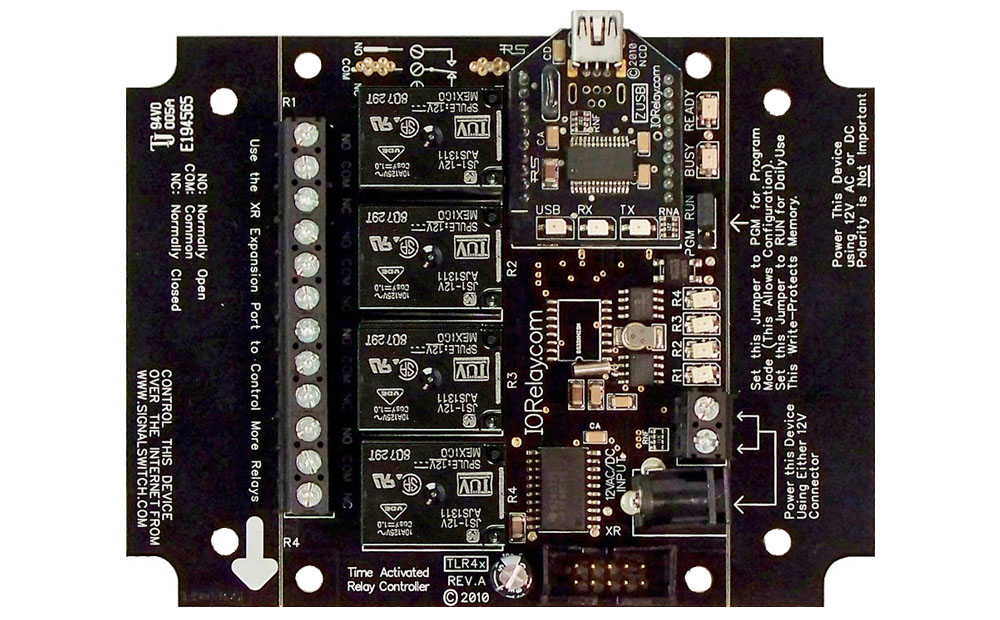 Time Activated Relay - 4 Channel USB
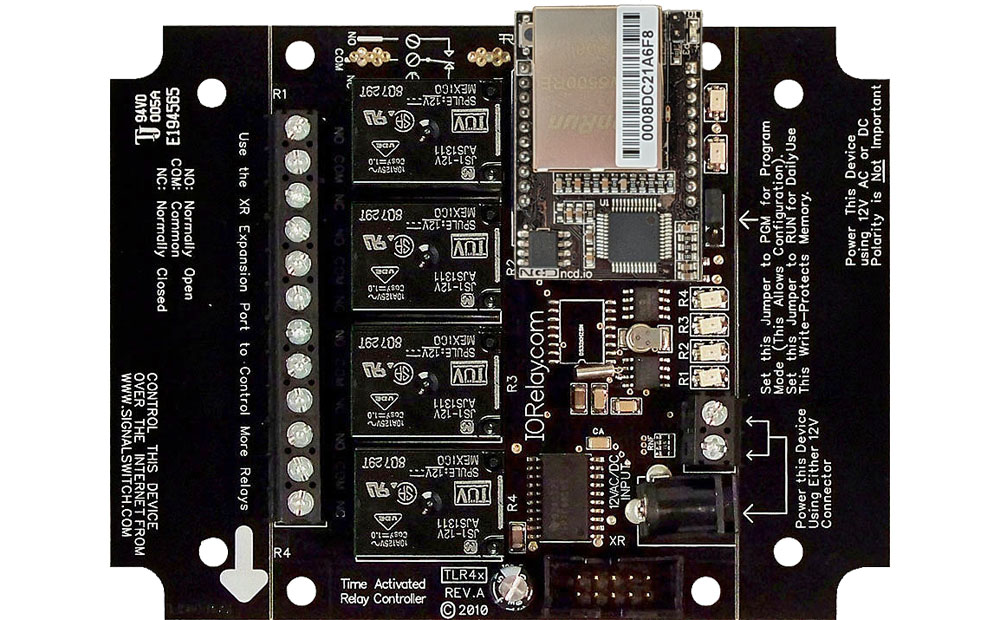 Time Activated Relay 4-Channel with Ethernet Interface
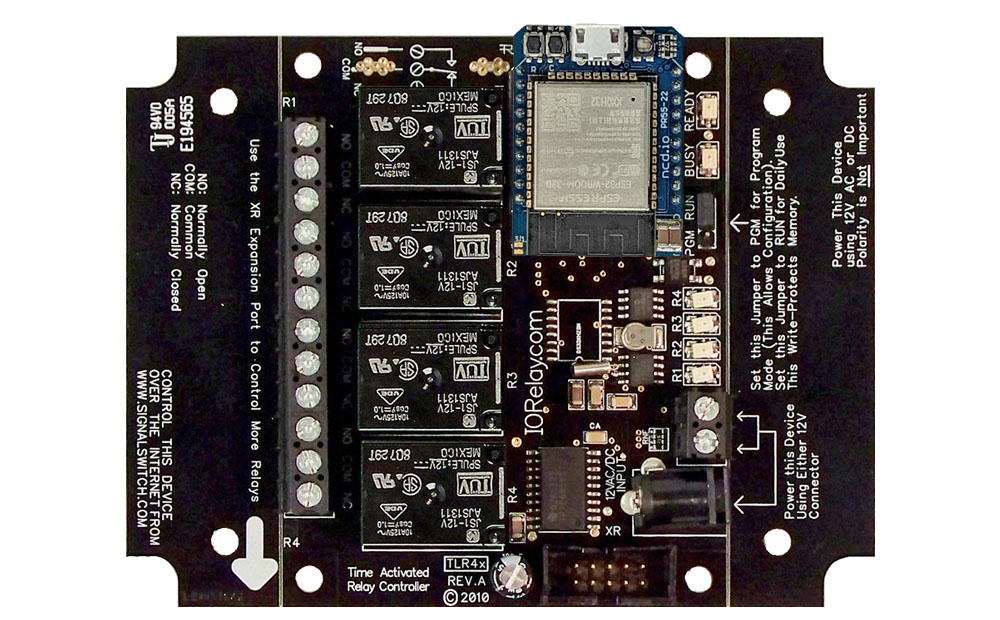 Time Activated Relay - 4 Channel with WiFi Interface