USB Push Notification at a Glance...
- USB Push Notification
- Send SMS and/or Email Messages
- Compatible with any Contact Closure Output
- Board Does Not Send Messages - Onboard USB Interface Module
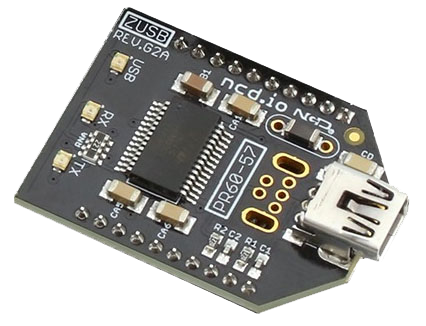
- Plugs Directly into USB Port
- Mounts as a Virtual COM Port - N-Button Software
- Monitors Inputs
- Sends Text and/or Emails
- Point & Click Interface
- Use to Configure Messages
- Unique Message for Each Input
Software On PC Sends Message
Please Note: N-Button Software is a PC Based software that needs to be always running on a computer connected to the board to read the input. The software will need access to the internet for the messages to be sent.
Contact Closure Sends Message
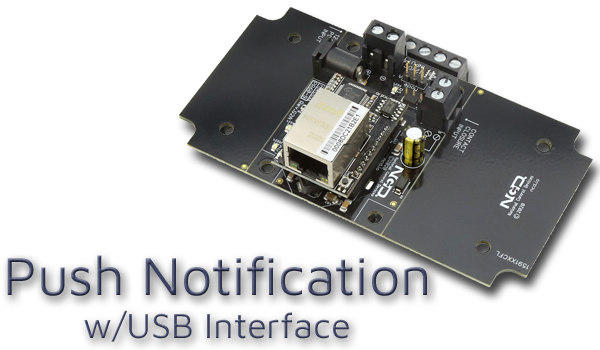
USB Push Notification is equipped with a USB interface that will allow you to connect a contact closure (no voltage) input to the board and send a text and/or email message when the circuit is closed. N-Button Software will read the input over on the board and send out a text and/or Email from the computer to to multiple recipients.Selecting The USB Interface
By selecting the USB interface you will be communicating through the USB port of your computer to the board. The USB interface connects to your computer's USB port using a standard USB cable. The board mounts as a virtual COM port and offers excellent communication, speed and reliability through any available COM port at any standard baud rate.