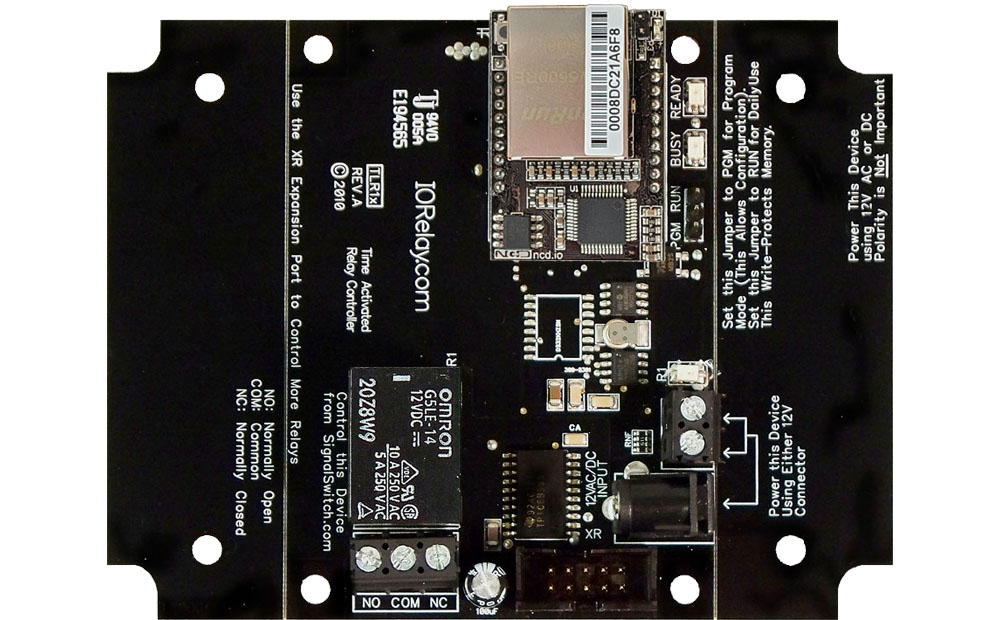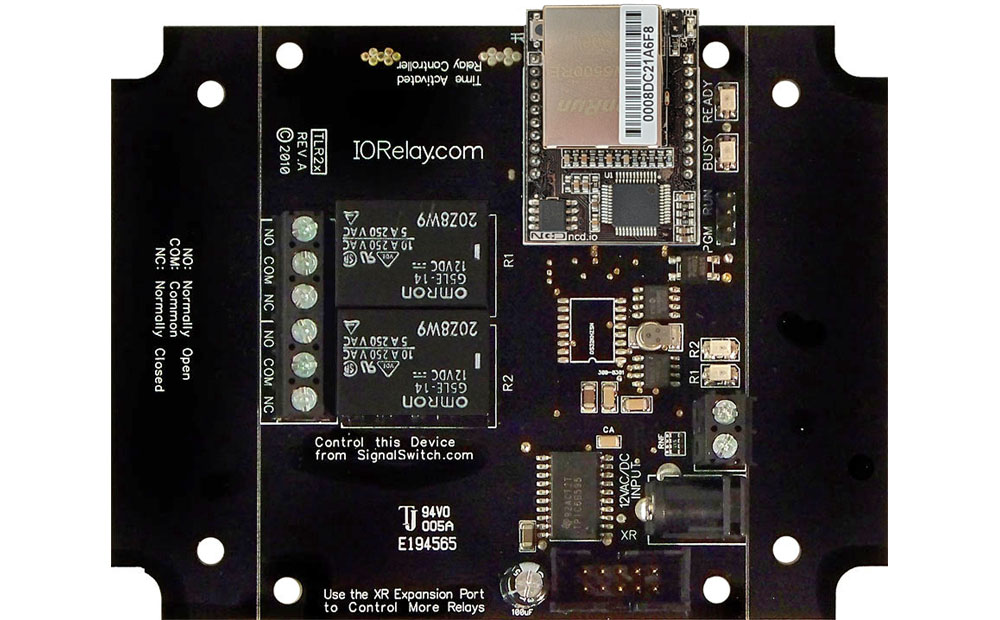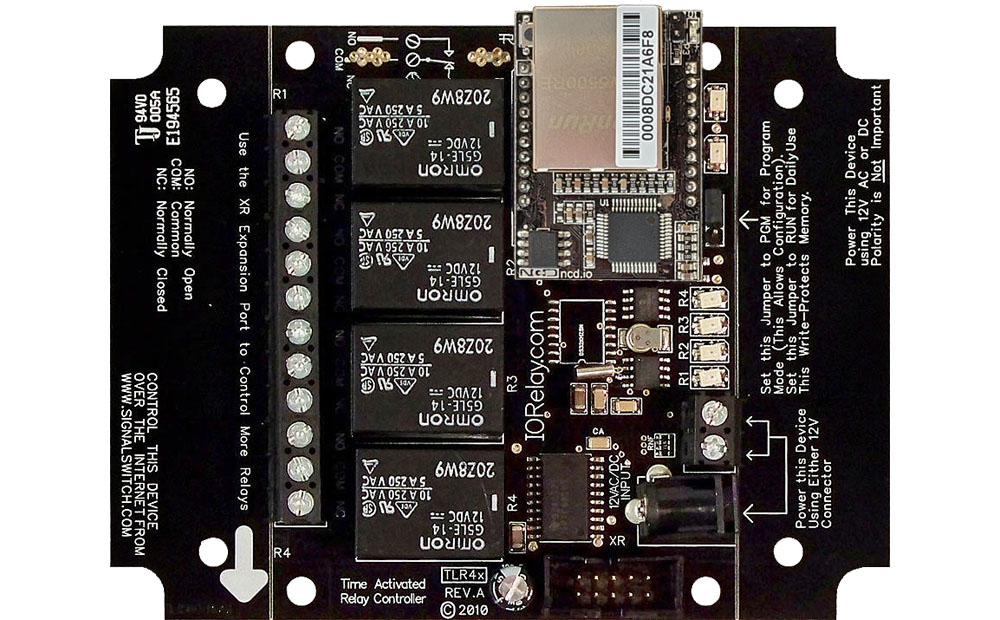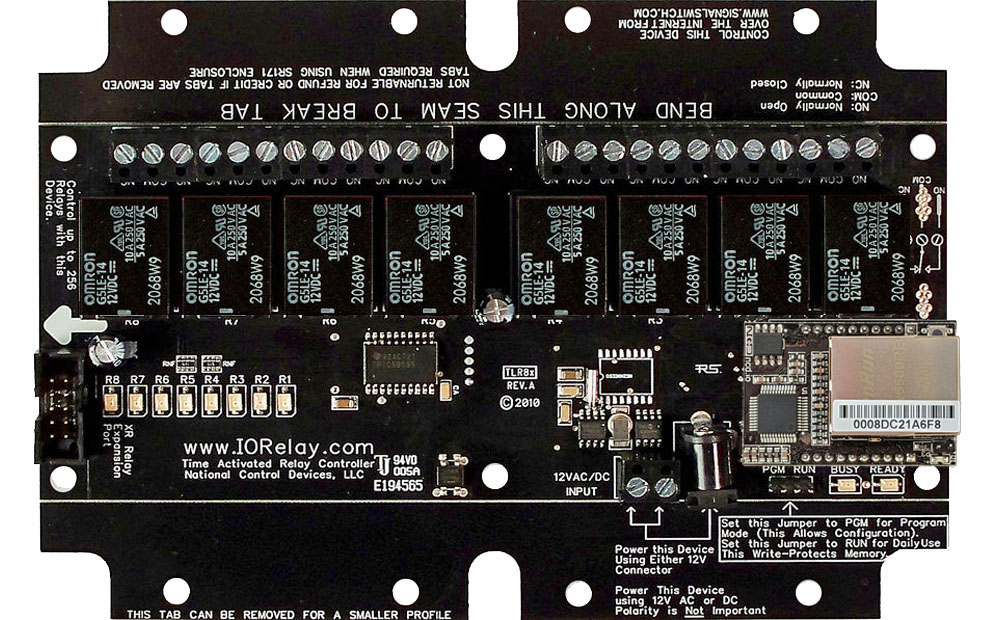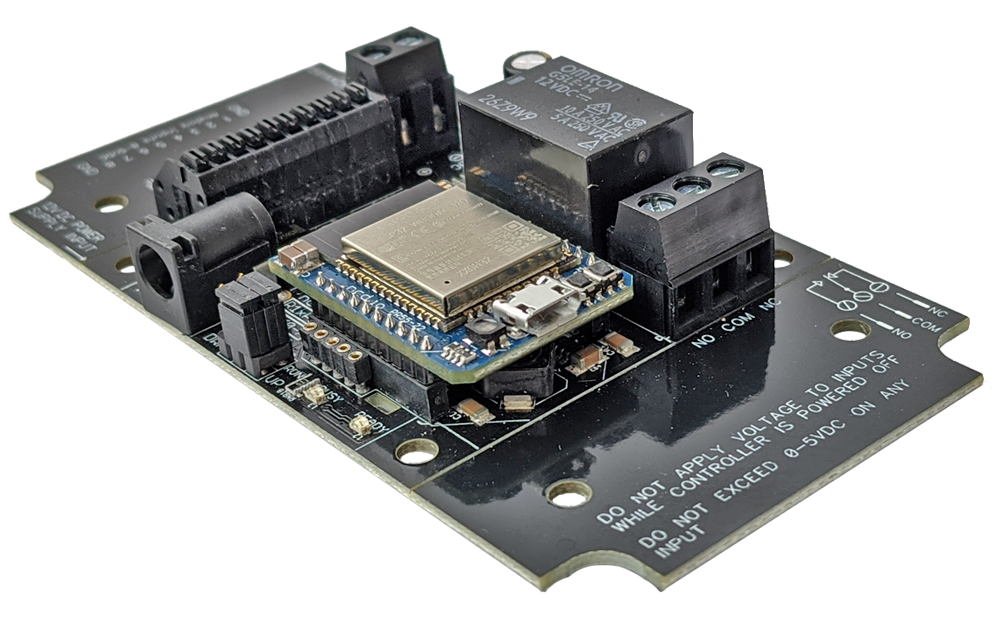
IP Relay Control at a Glance...
- Computer Controlled IP Controlled Relay
- Industry Leading Command Set
- Send Specific Commands to Trigger Relays
- Control Any or All Relays
- Program in Almost any Language
- Read 0 to 5 Volt Sensors - Contact Closure Control
- Sold in Pairs or Groups
- Dry Contact Controls Relays
- IP Address Communication - Push Notification
- Send Text and/or Email From Dry Contact
Selecting an IP Relay Control
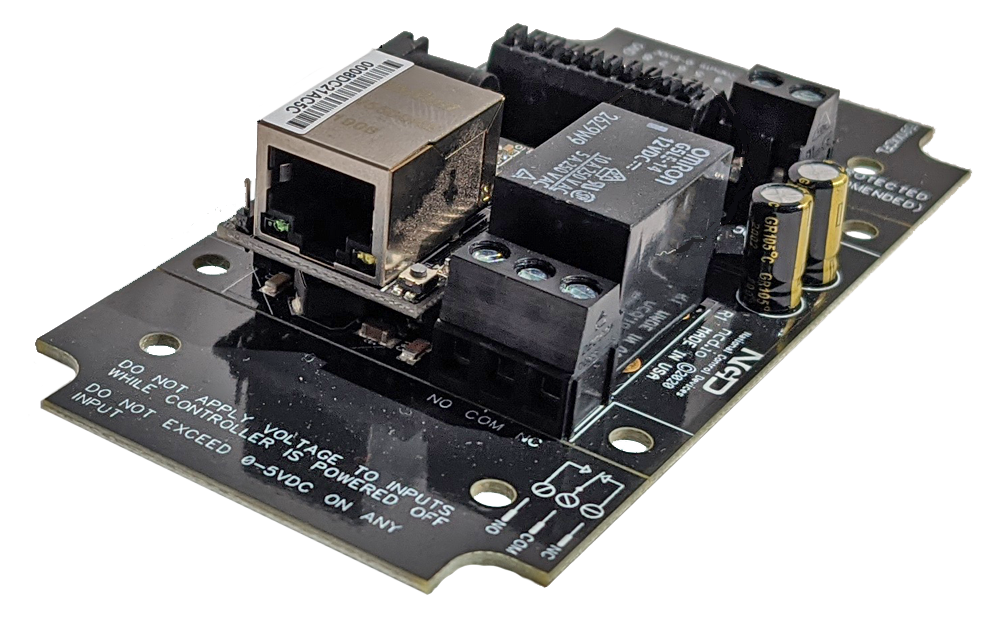 IP Relay Control connects to a network using a standard CAT5 to control one or more relays on a circuit board using a computer or contact closure, IP Relay Control is available in three different interfaces - more than any other manufacturer! Ethernet interfaces have two choices, a straight Ethernet and a Web-i Interface where you can control relays with it's built-in web pages. The Wi-Fi interface will connect to your Wi-Fi network and control relays wirelessly.
IP Relay Control Modules
Network transmission is achieved by modules installed on the board. All boards have modules installed and when you select a network protocol the appropriate module will be installed.Other Network Options
A quick note regarding some of the boards you will find below. The Contact Closure Relays do not need a computer and will transmit over the network or even over the internet between two boards with a dry contact controlling the relay and not a computer.
IP Relay Control allows you to control relays over a network or over the internet. We offer boards with an Ethernet or Wi-Fi interface.
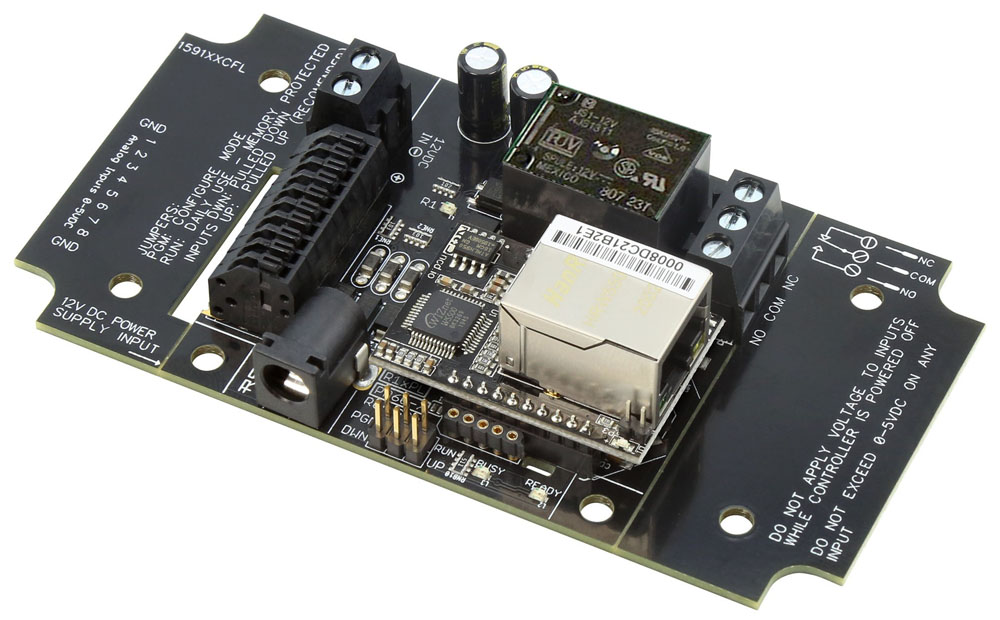
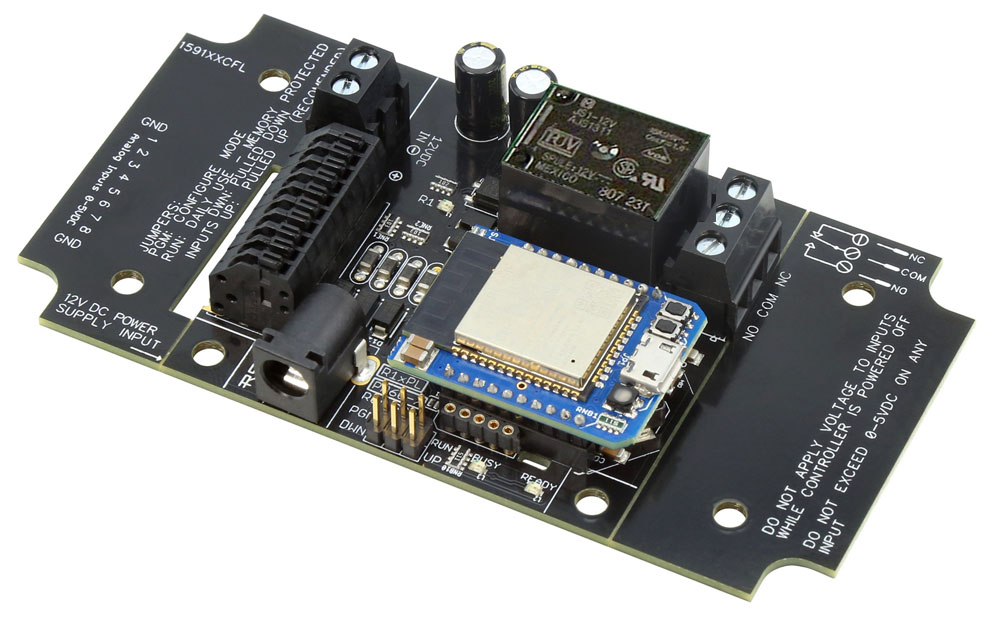

MirC and MirX IP Relay Control has dry contact (no voltage) input on the sender board that controls a relay on the receiver board. When the dry contact circuit is closed the relay on the receiver board is energized or on, when the circuit opens the relay turns off. Both boards need to be on the same network for them to communicate and they are married together using their IP addresses.
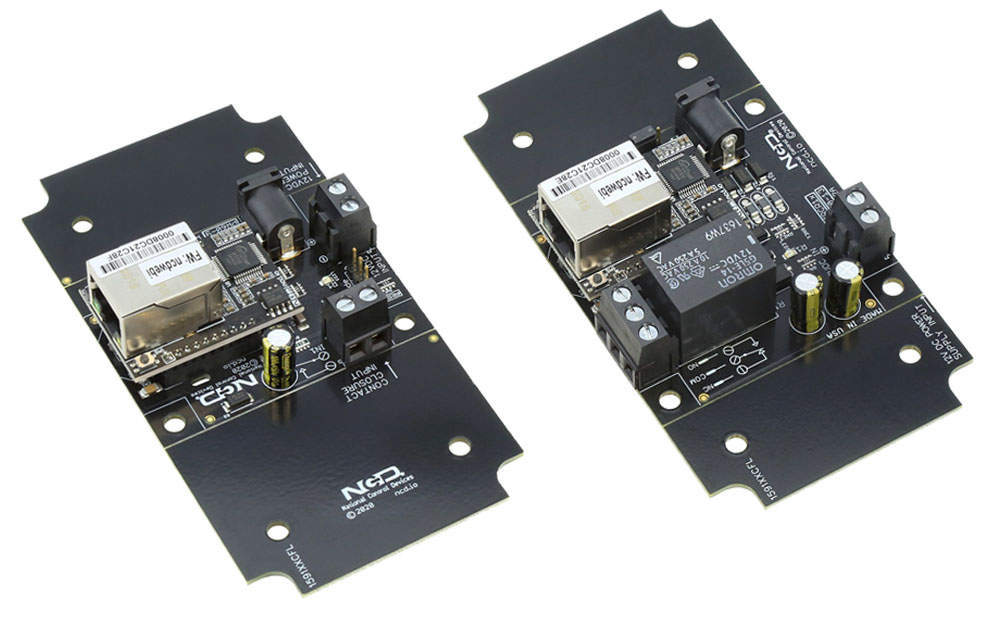
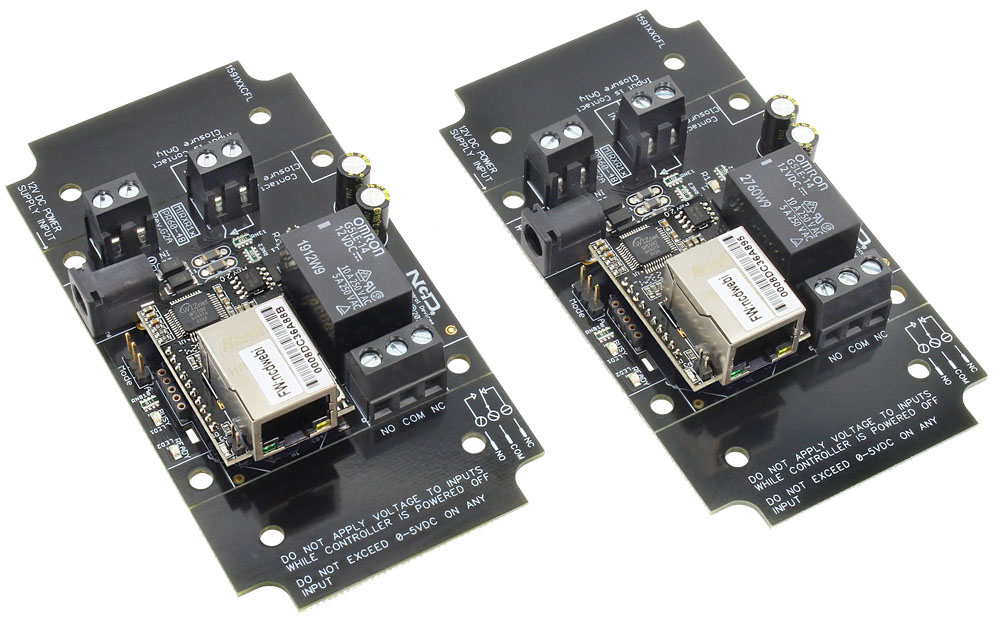

Push Notification boards allow you to connect a contact closure to the board and send an email and/or text message when the circuit is closed. The board will communicate the contact closure information to your computer over your a Network connection. N-Button Software will read the input on the board and send out a text and/or Email from the computer to to multiple recipients.
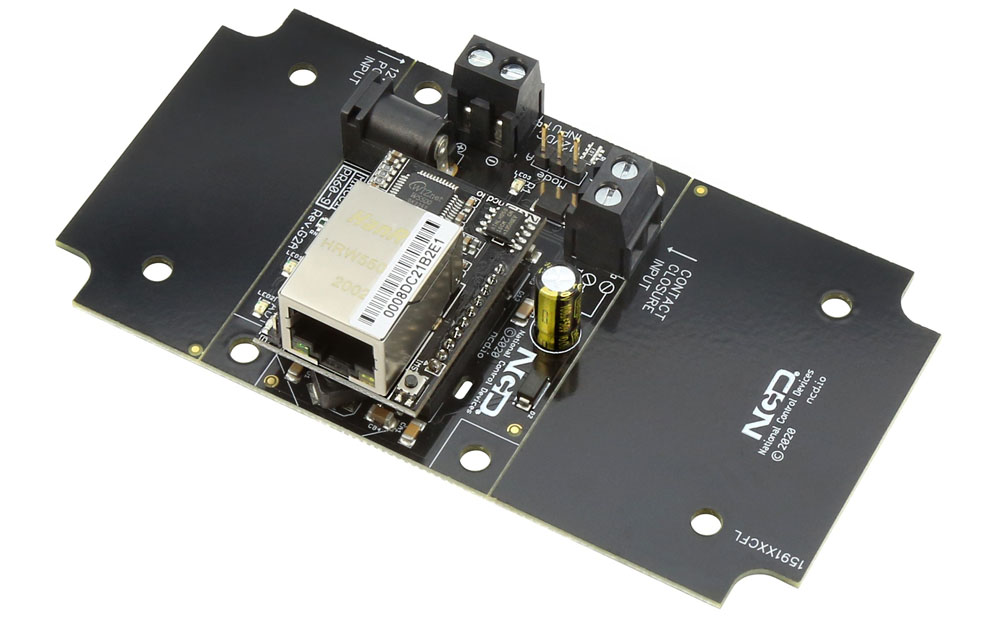
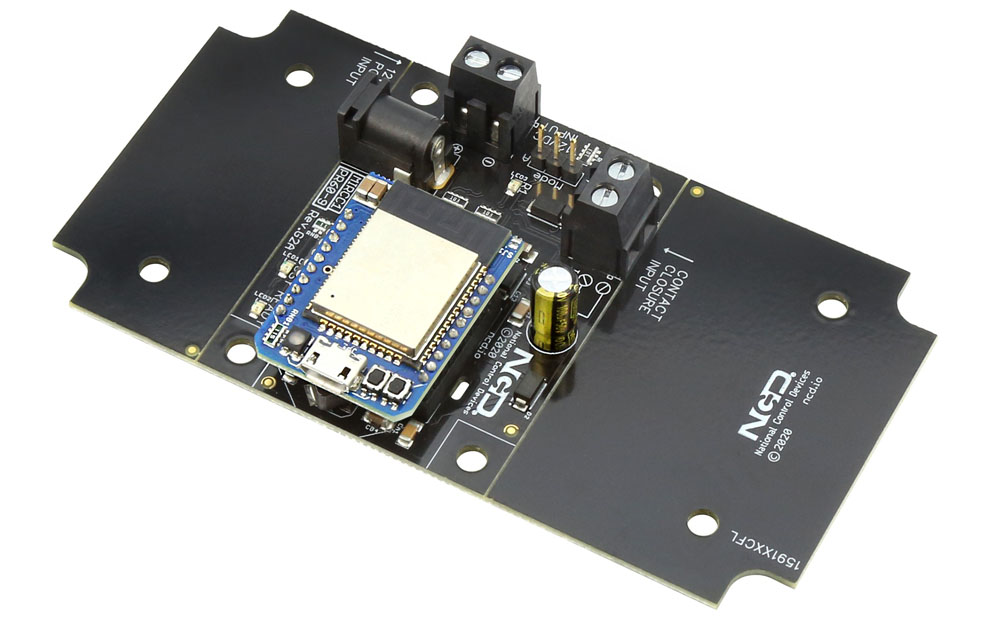

Time Activated IP Relay Control boards have an integrated Real Time Clock to control relays based on a time schedule (the board knows what day & time it is). Connect these controllers to the network to setup the time schedule & upload it to the board. Once stored, the computer is no longer needed, the relays will activate according to your schedule that can be as simple or as complex as your application requires.