
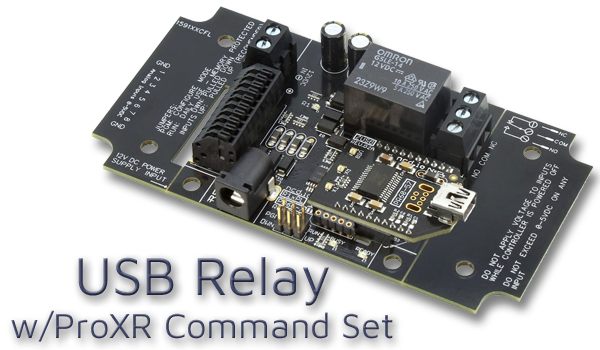
USB Relay at a Glance...
- Relays Installed on a Circuit Board
- High Reliability Across a Wide Range of Conditions - Onboard USB Interface Module
- Connects Directly to a USB Port
- Mounts as a Virtual COM Port - Industry Leading ProXR Command Set
- Program in almost any language
- Send precise commands to control relays
- Control any or all relays at once
- Toggle, flash, and timing commands - ProXR AD8 Command Set
- Read 0-5V sensor inputs
- Monitor external sensors or contact closures
- Relay Activator: inputs can directly control relays
USB Relay Control
Send commands to the board via your computer's USB port using the industry-leading ProXR Command Set. The board mounts as a virtual COM port on your PC, providing direct control of one or more relays.
USB Relay
The USB Relay interfaces directly with a host computer via USB and mounts as a virtual COM port, enabling command-level control of one or more relays on the board. USB supports high-integrity, low-latency communication across a virtual COM port. When communicating over USB, all relay commands are transmitted over a direct USB connection to the controller, ensuring stable, high-speed data exchange without additional configuration.The ProXR Command Set
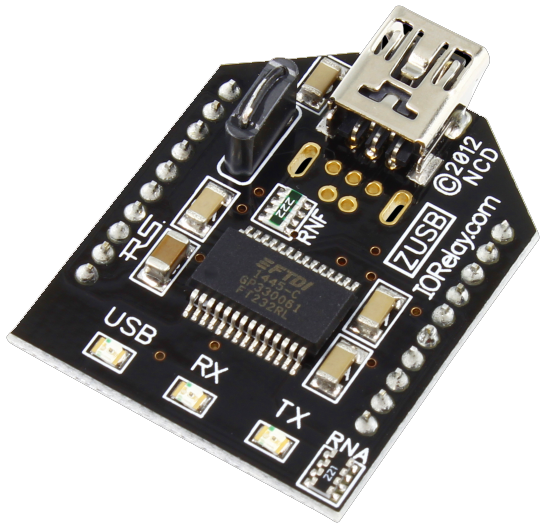 Our onboard firmware is built around the ProXR Command Set - one of the most powerful and versatile command libraries available. The command library includes an extensive range of functions for relay control, timing, configuration, and status monitoring - giving you precise, access to every feature of the board.
 Developers can integrate ProXR commands into virtually any programming environment through virtual COM port communication. For users who prefer not to write code, compatible control software is available, offering a straightforward interface built on the same command architecture.
Selecting a USB Relay
Choose how many relays you need to get started. Boards are available with up to 32 relays onboard and can expand to 256 total relays.💡 Relay Pros Pro Tip:
Start by choosing how many relays you actually need today. You can always expand ProXR boards later - so there's no need to overbuy upfront.
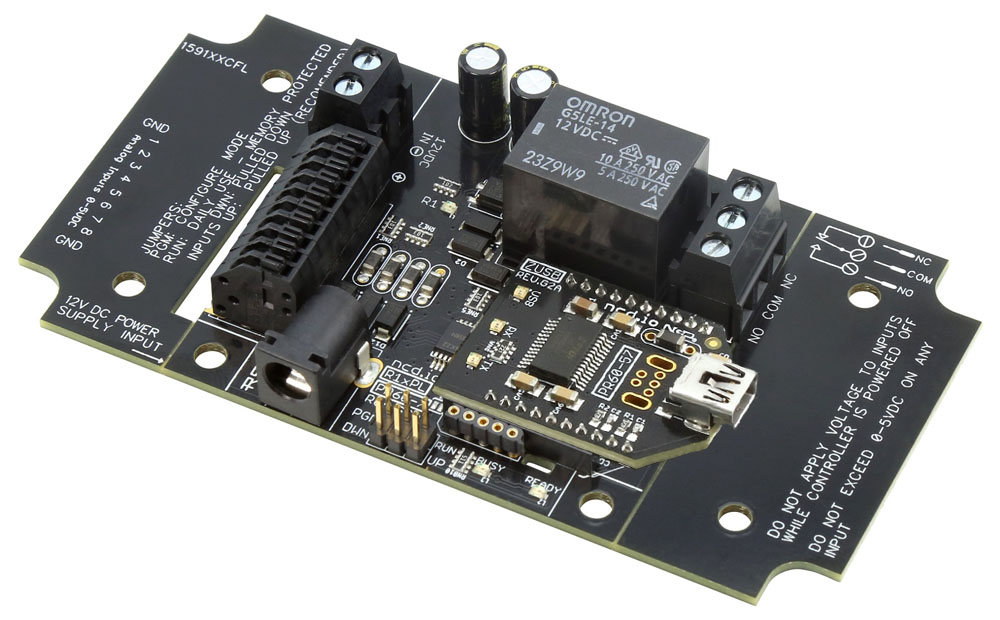 USB Relay - 1 Channel
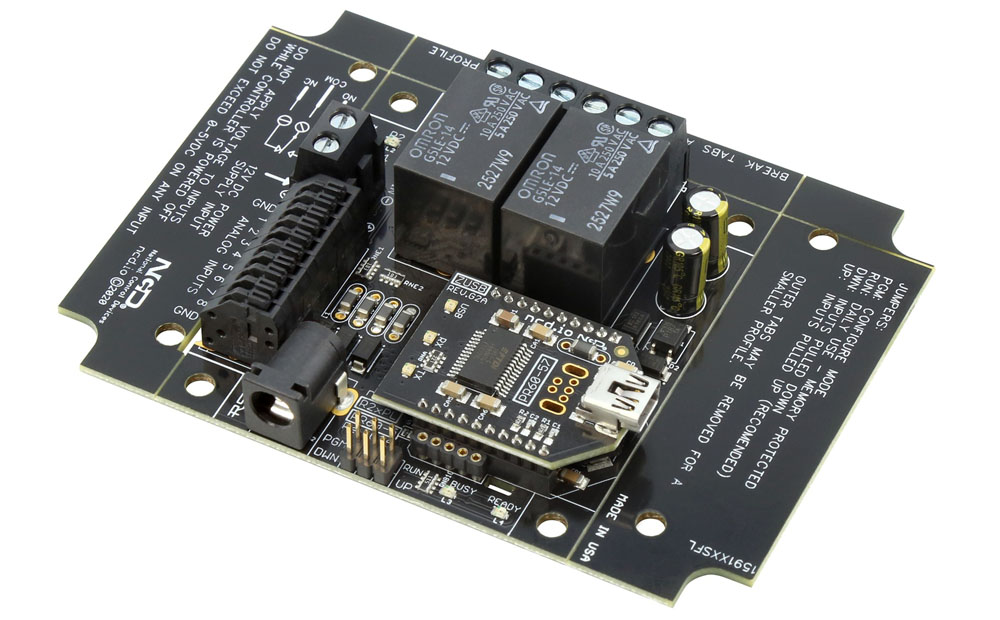 USB Relay Controller Board - 2-Channel
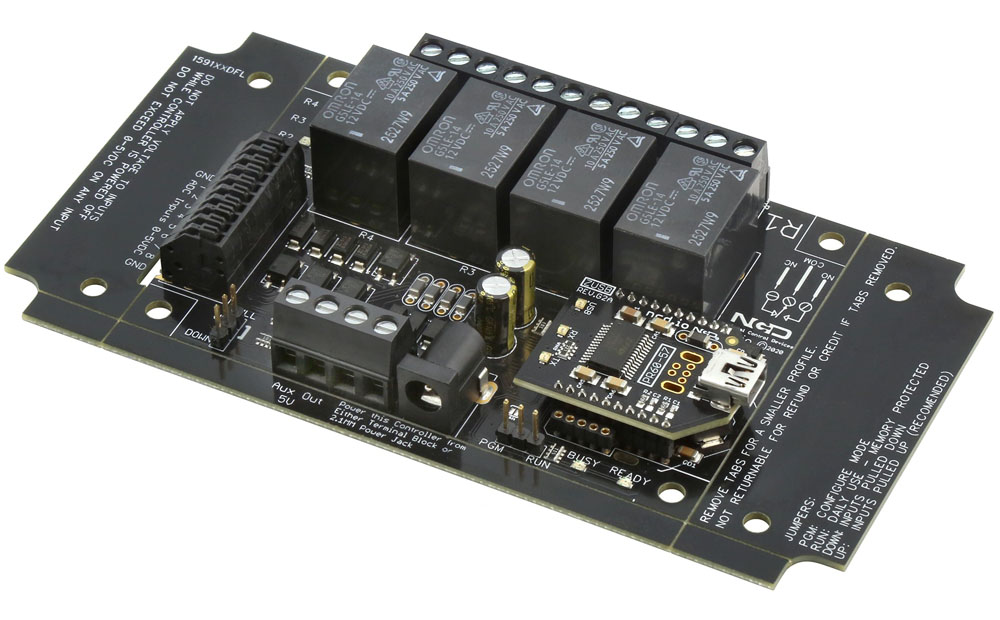 USB Controlled Relay - 4-Channel
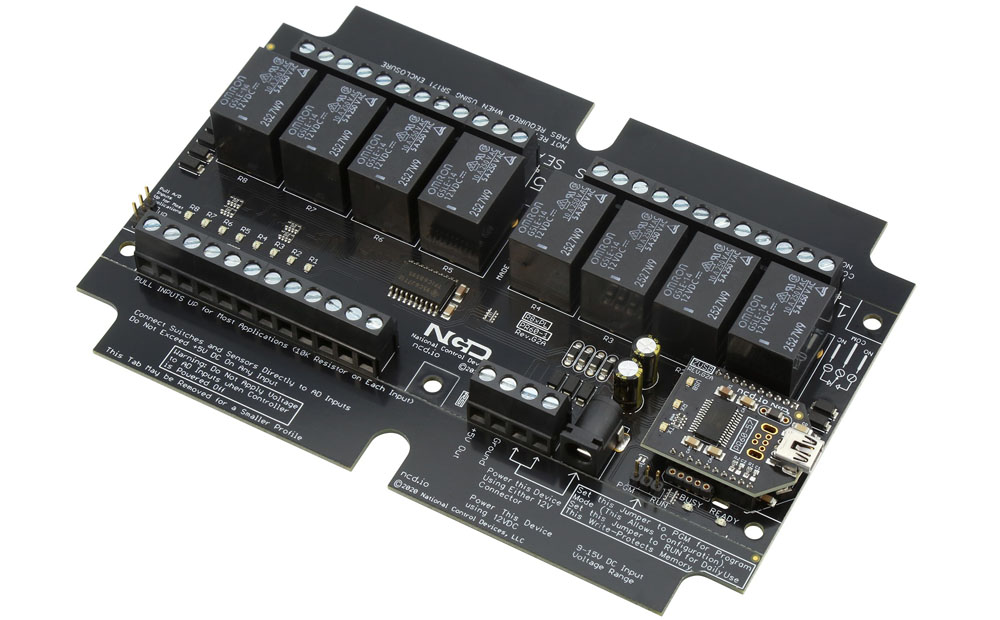 USB Relay Switch - 8-Channel
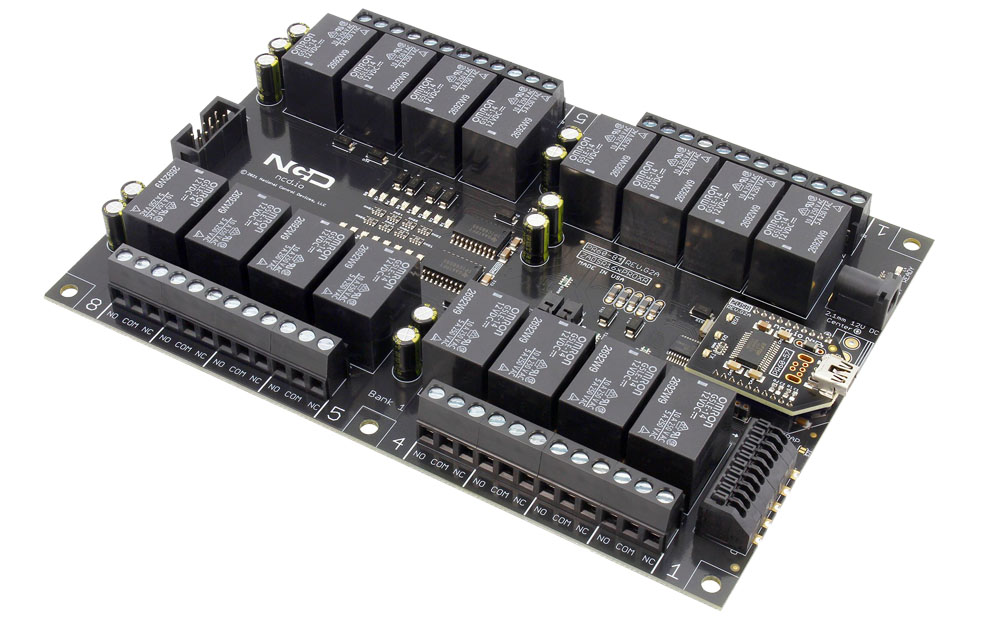 USB Relay - 16-Channel
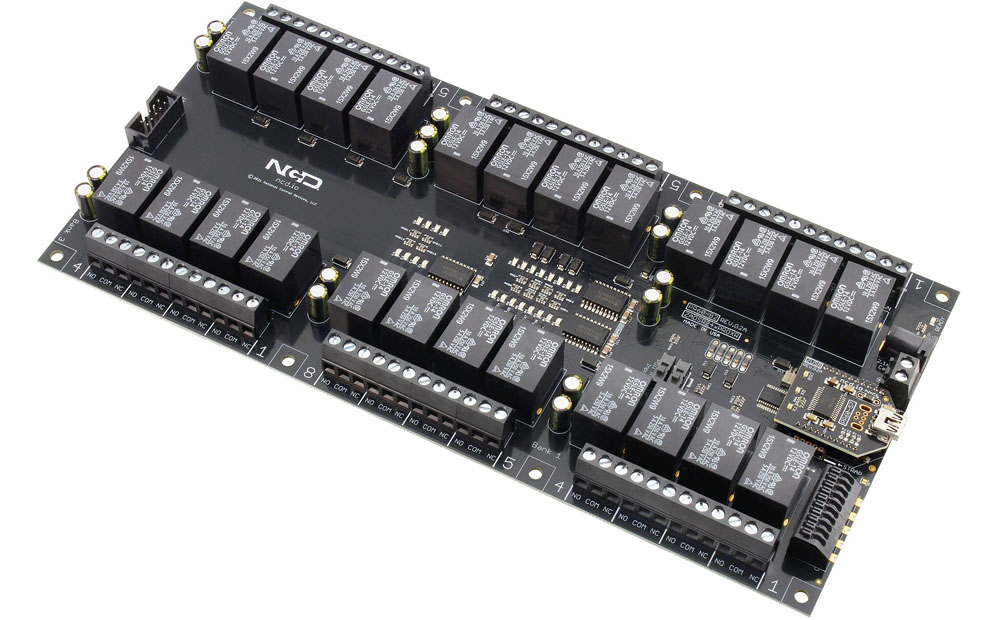 USB Relay Controller - 24-Channel
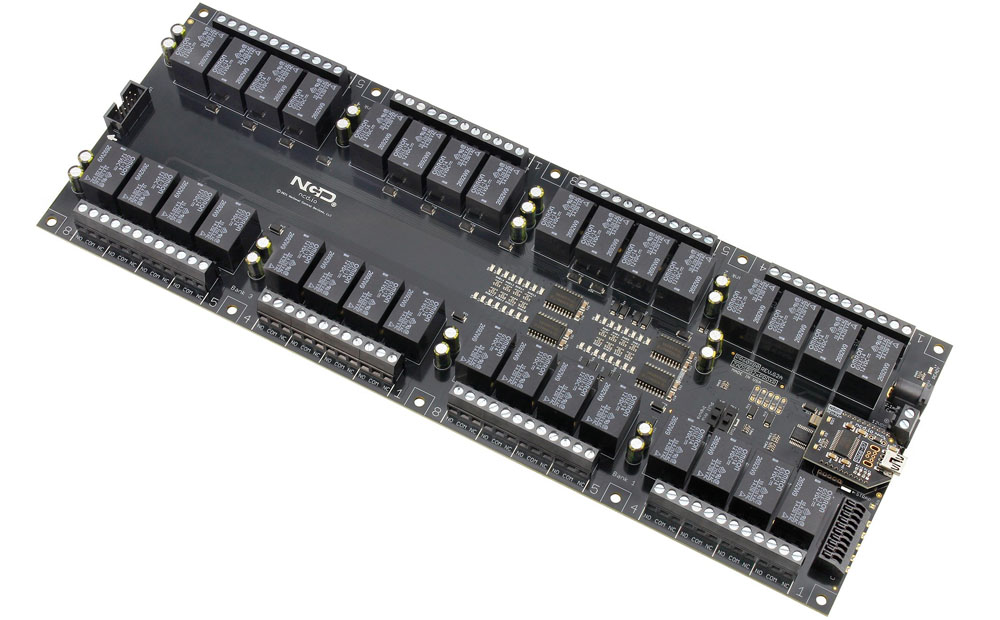 USB Controlled Relay - 32 Channel